Ask
Ask MetaKarta Overview
Ask MetaKarta is a conversational experience within the MetaKarta platform, integrated with your default LLM provider. This feature allows you to ask natural-language questions about the metadata estate, lineage, impact analysis, catalog entries, and semantic definitions, then receive an answer resolved against the governed metamodel. The results include direct links to those objects in the repository.
Set up a Default AI Provider
Ensure that you administrator has properly configured a default AI provider before the feature will work.
Asking a Question
Once your administrator has properly configured a default AI provider before the feature will work, Ask is available.
Steps
- Select the Ask entry in the main menu.
- Enter you question in the box labeled Ask about you metadata.
- Click the Submit button.
Examples
Ask a Business Oriented Question
Select the Ask entry in the main menu (upper left): 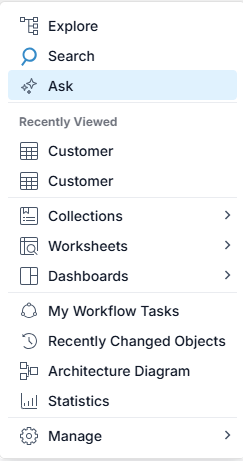
Enter the question, "Is there any Power BI reports sourcing from the Customer table in the Staging database?", in the box labeled Ask about you metadata and click the Submit button.
While the AI provider is working you will see a "Thinking" page. Then, when the results are finished being updated when the Submit button is again enabled.
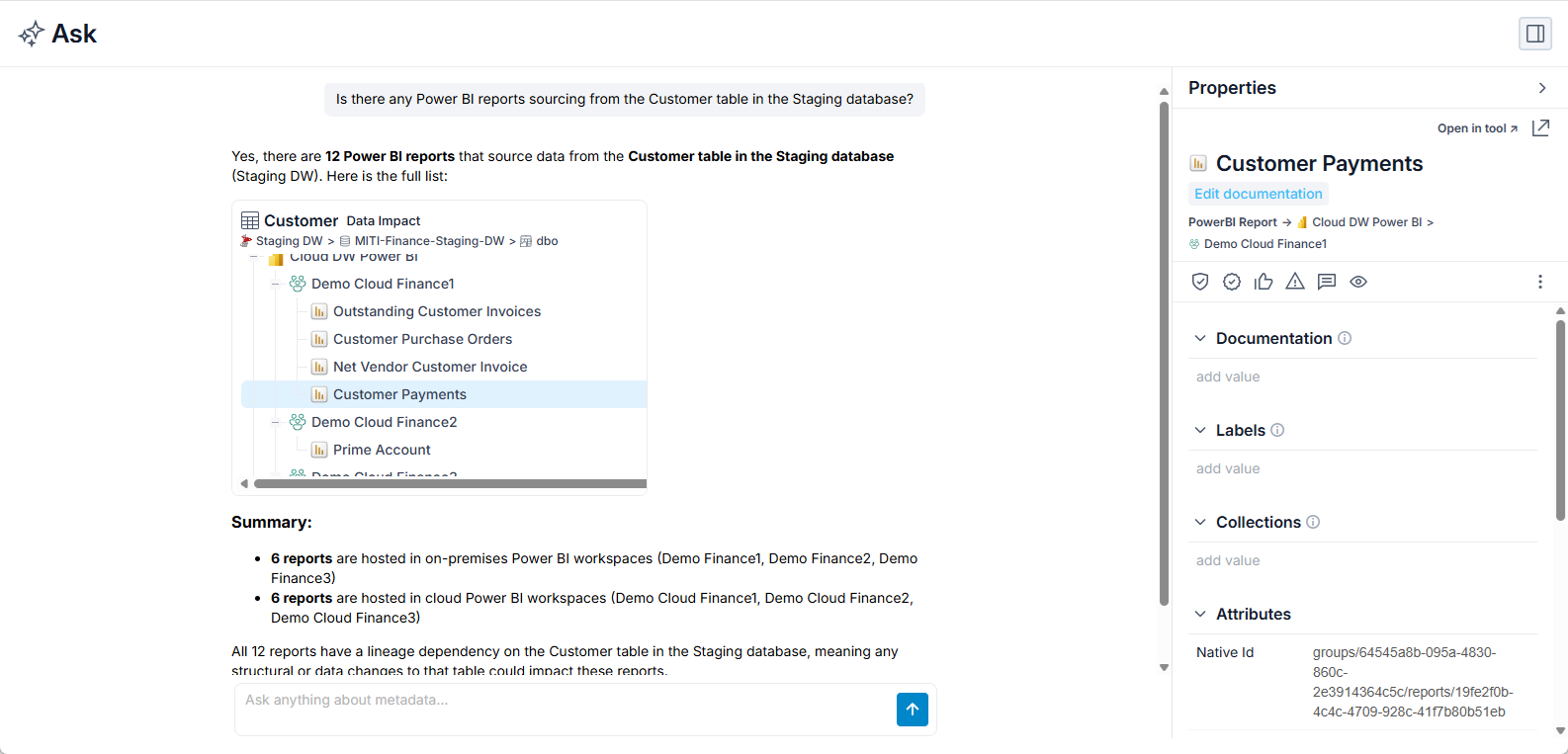
Note, the text is active with hyperlinks so the objects found and the related information presented:
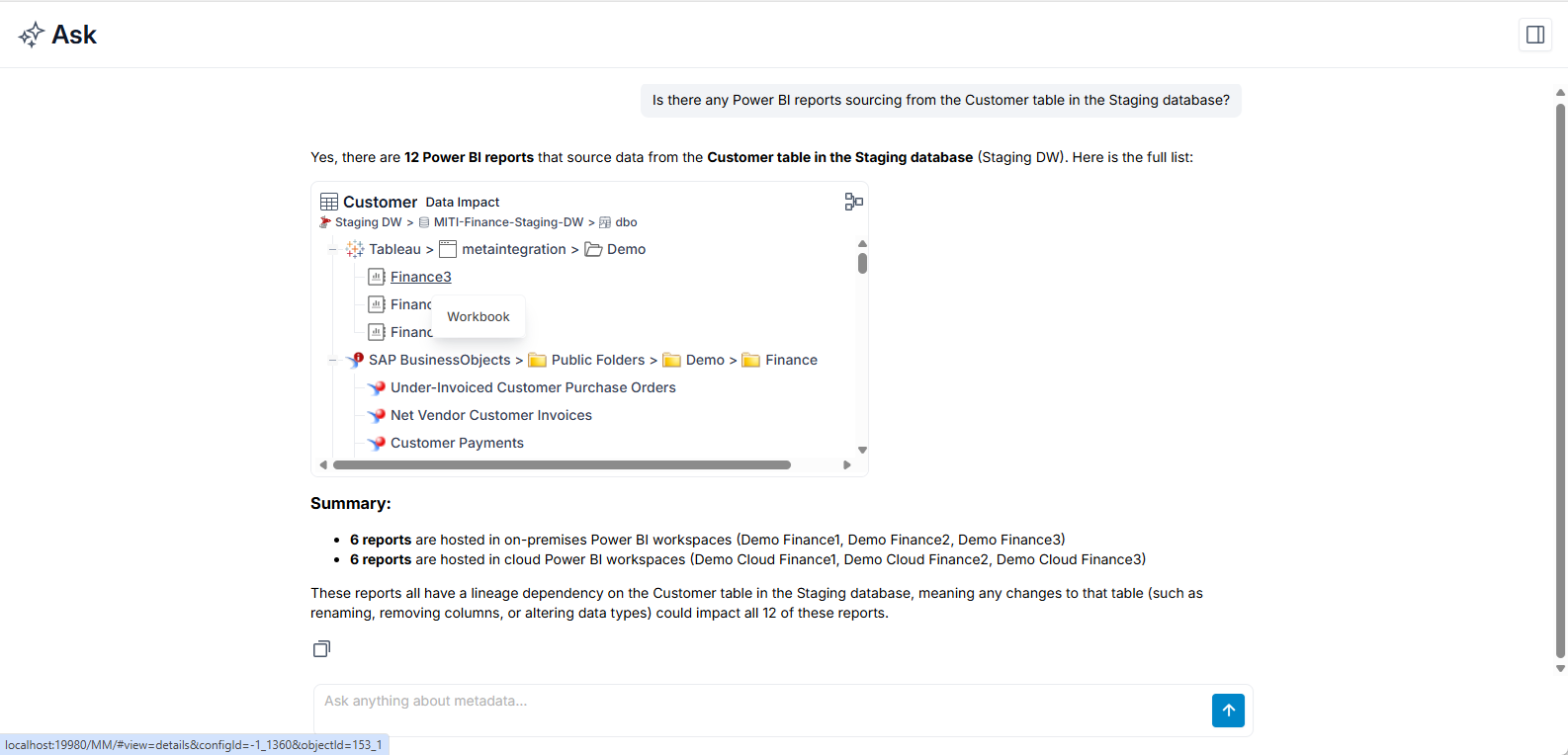
and clicking on it:
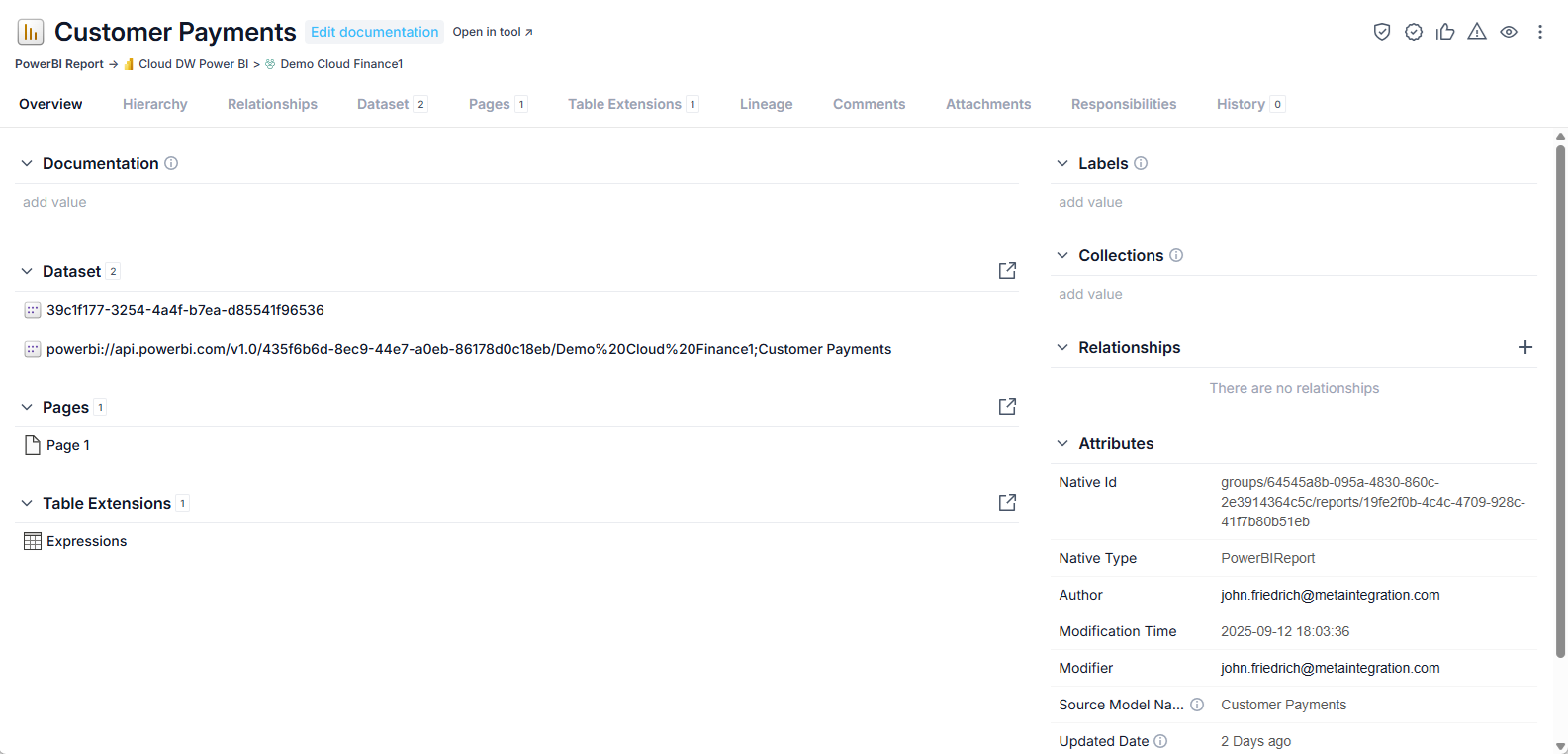
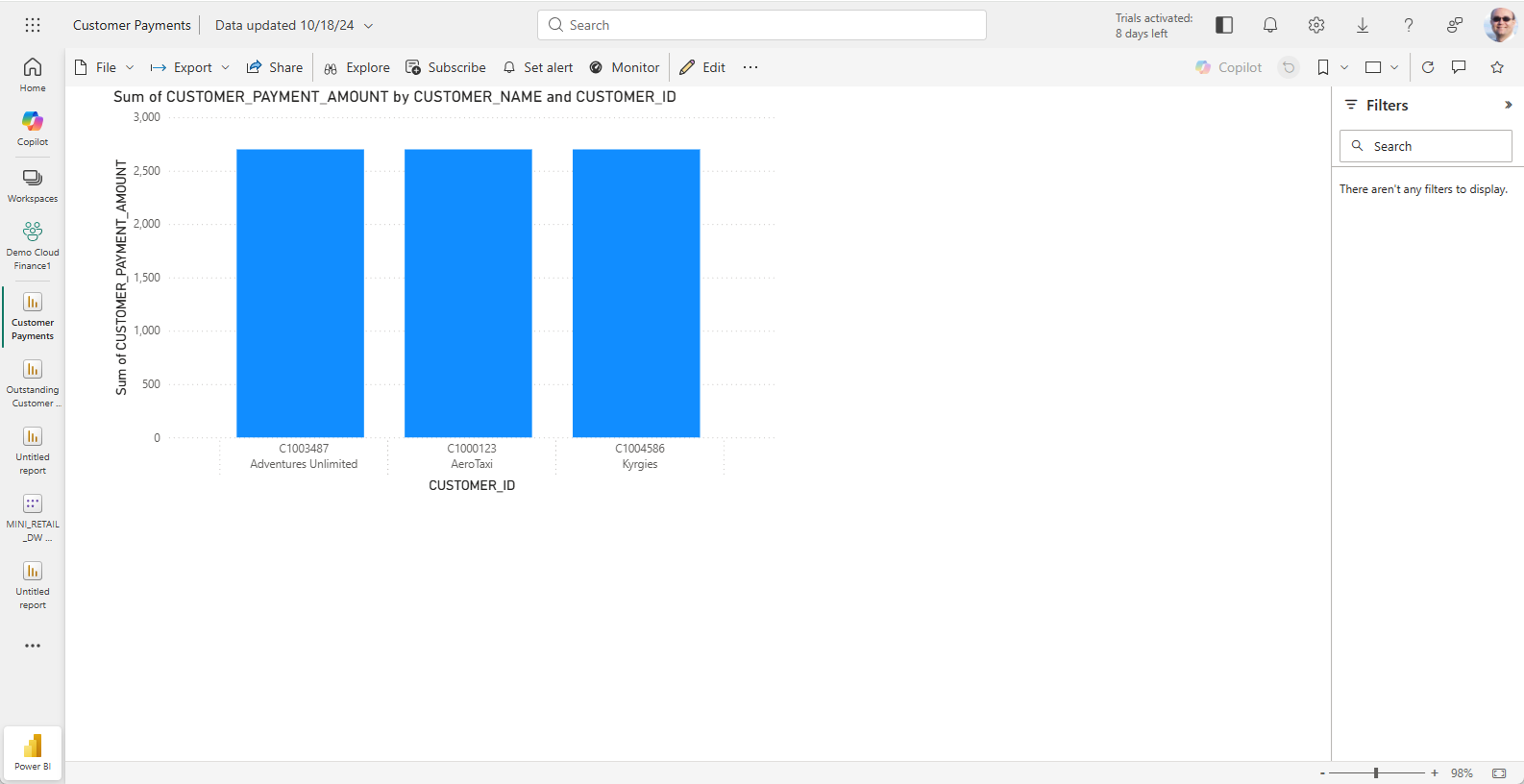
Here we may use the Open in tool link to jump to the report in Microsoft Power BI directly.
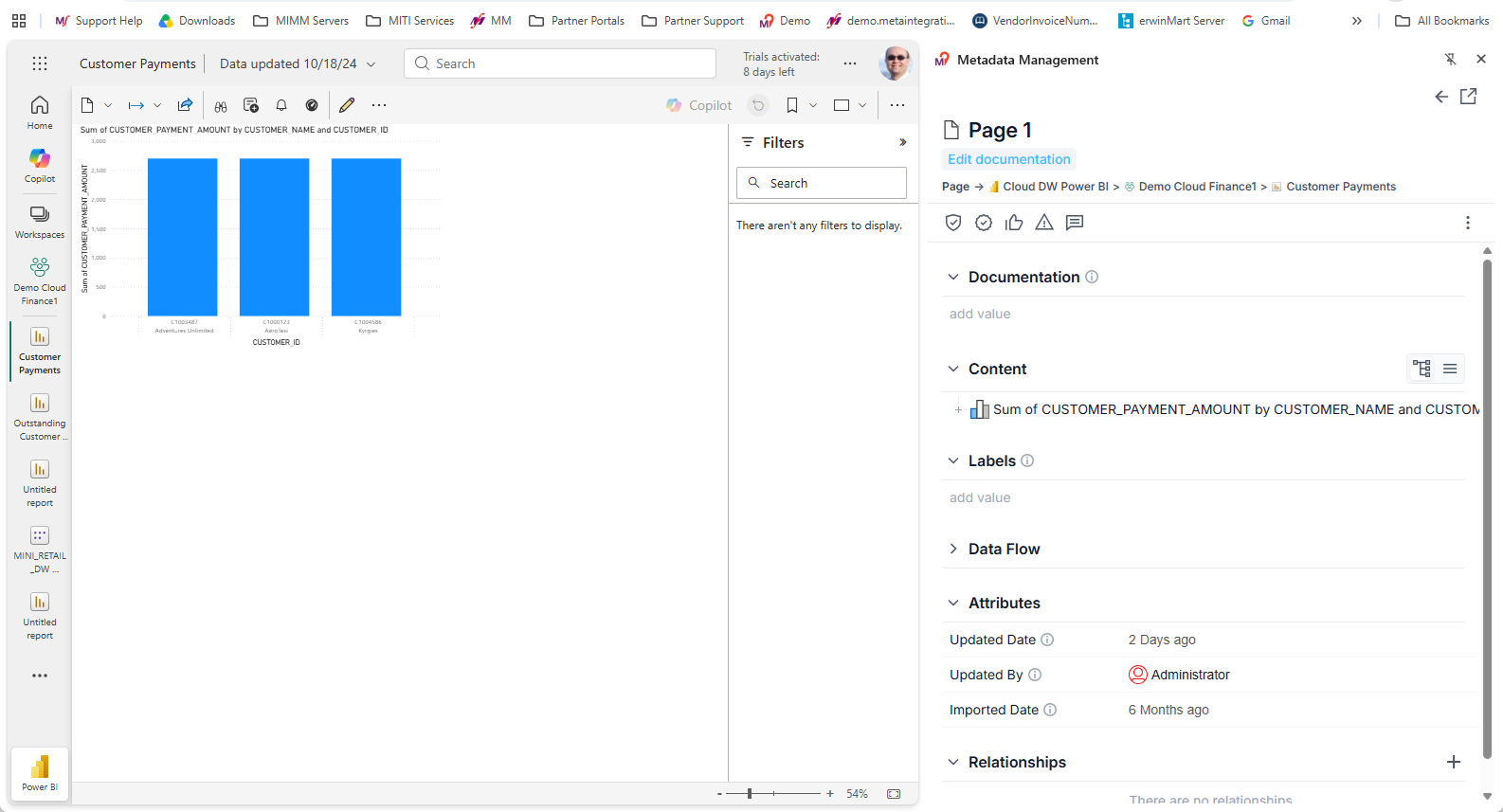
And clicking on the browser extension, you may see the properties panel to allow further analysis in MetaKarta.
Search with a Precise Location
Select the Ask entry in the main menu (upper left):
Enter the question, "Where is the customerID field in Snowflake?", in the box labeled Ask about you metadata and click the Submit button.
While the AI provider is working you will see a "Thinking" page: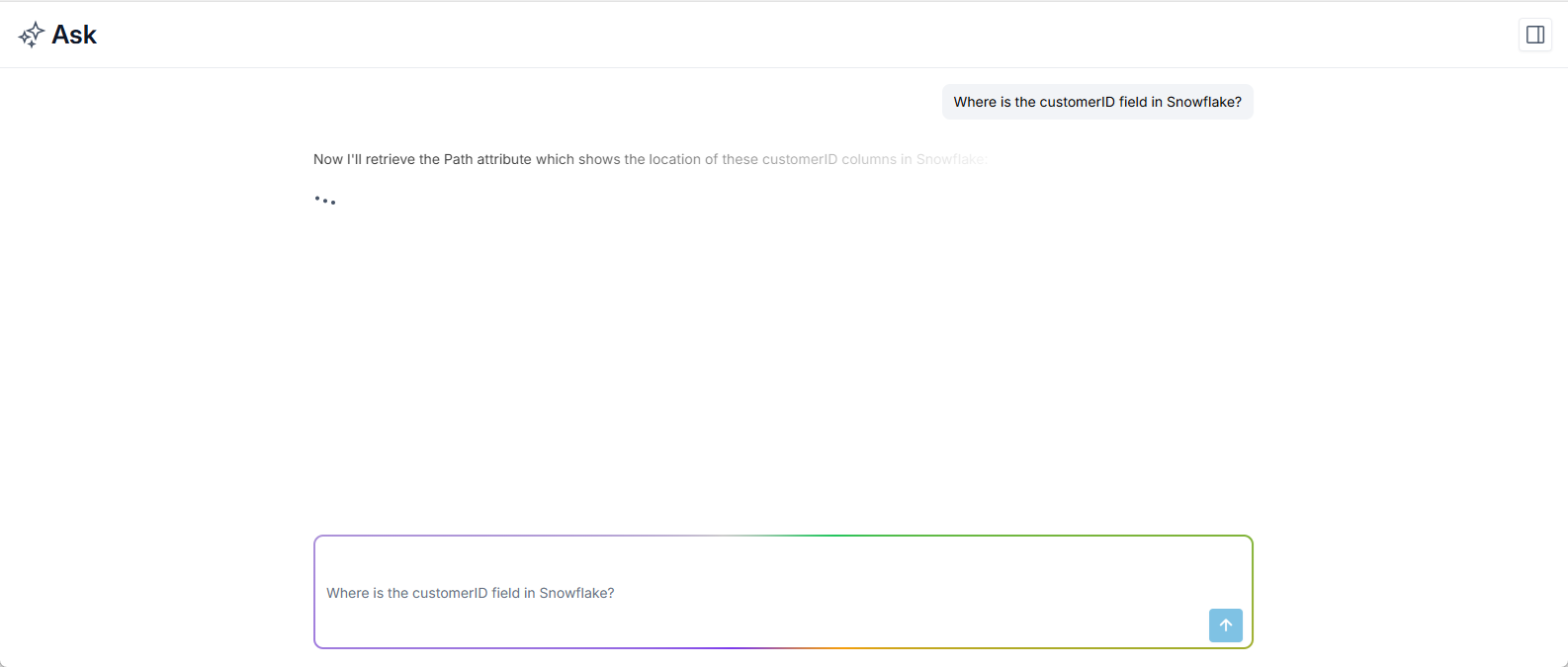
Results are finished being updated when the Submit button is again enabled.
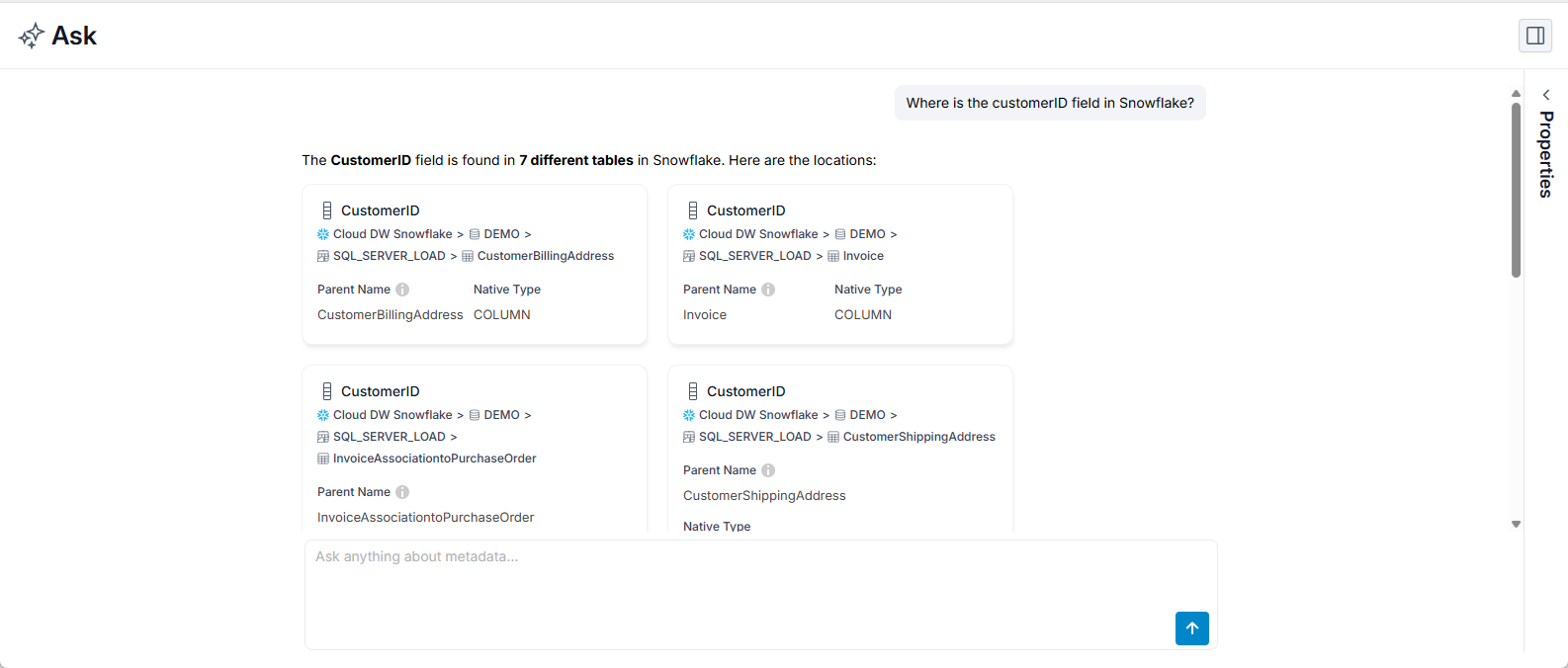
Note, the text is active with hyperlinks so the objects found and the related information presented:
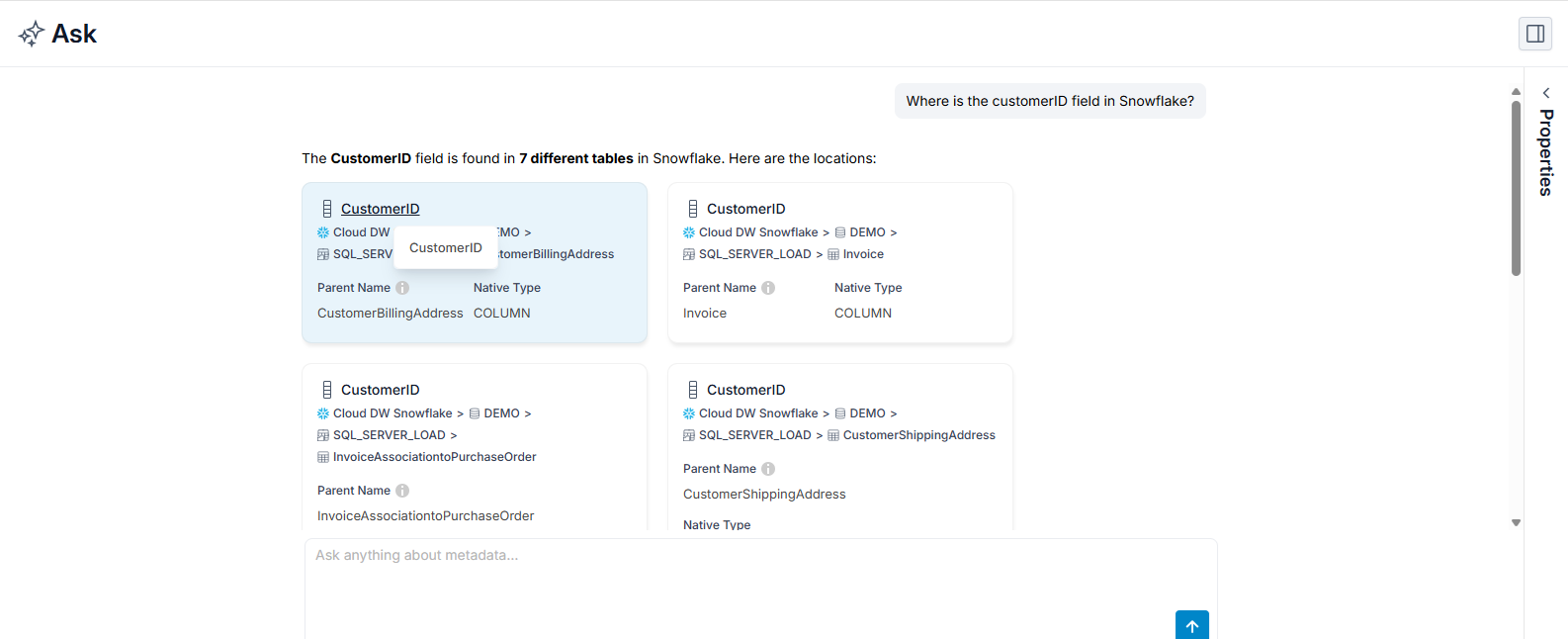
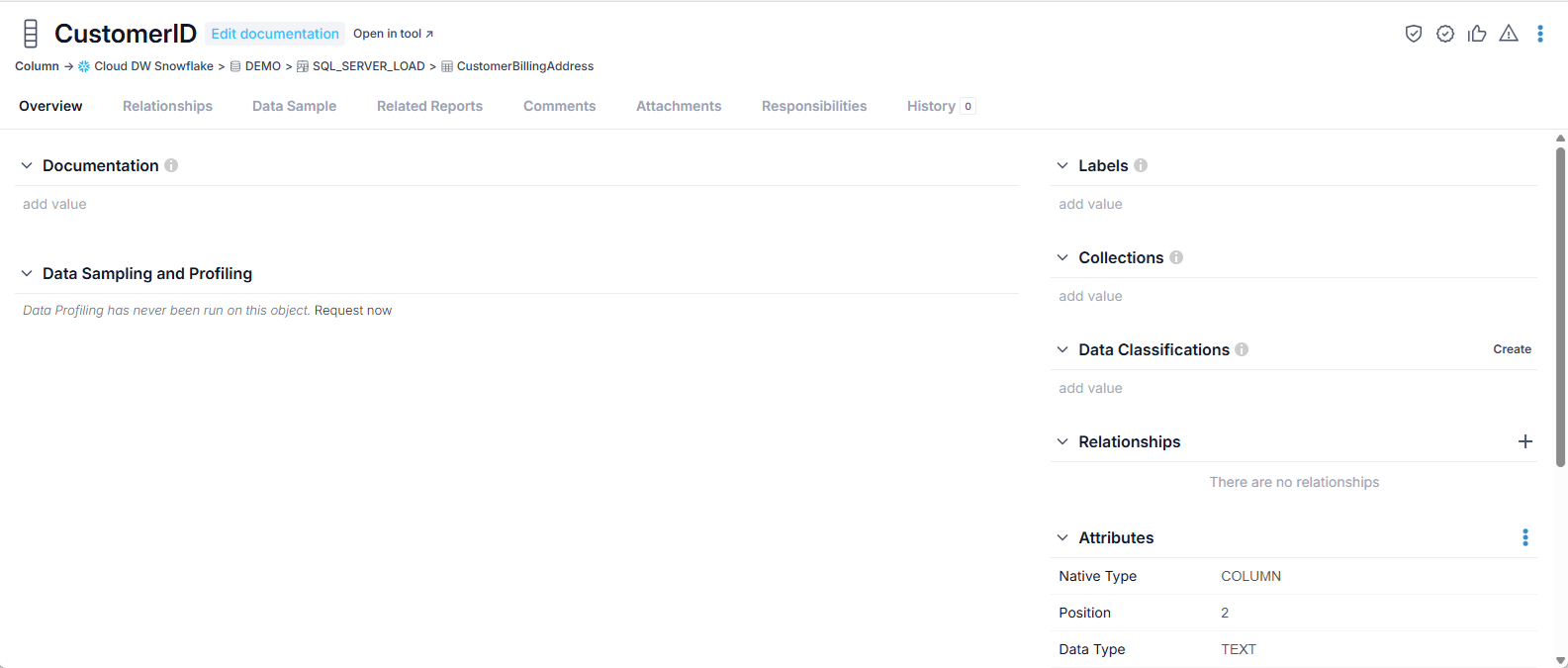
and clicking on it:
In addition, there is a properties panel which may be expanded on the right to see more details while still on the Ask page:
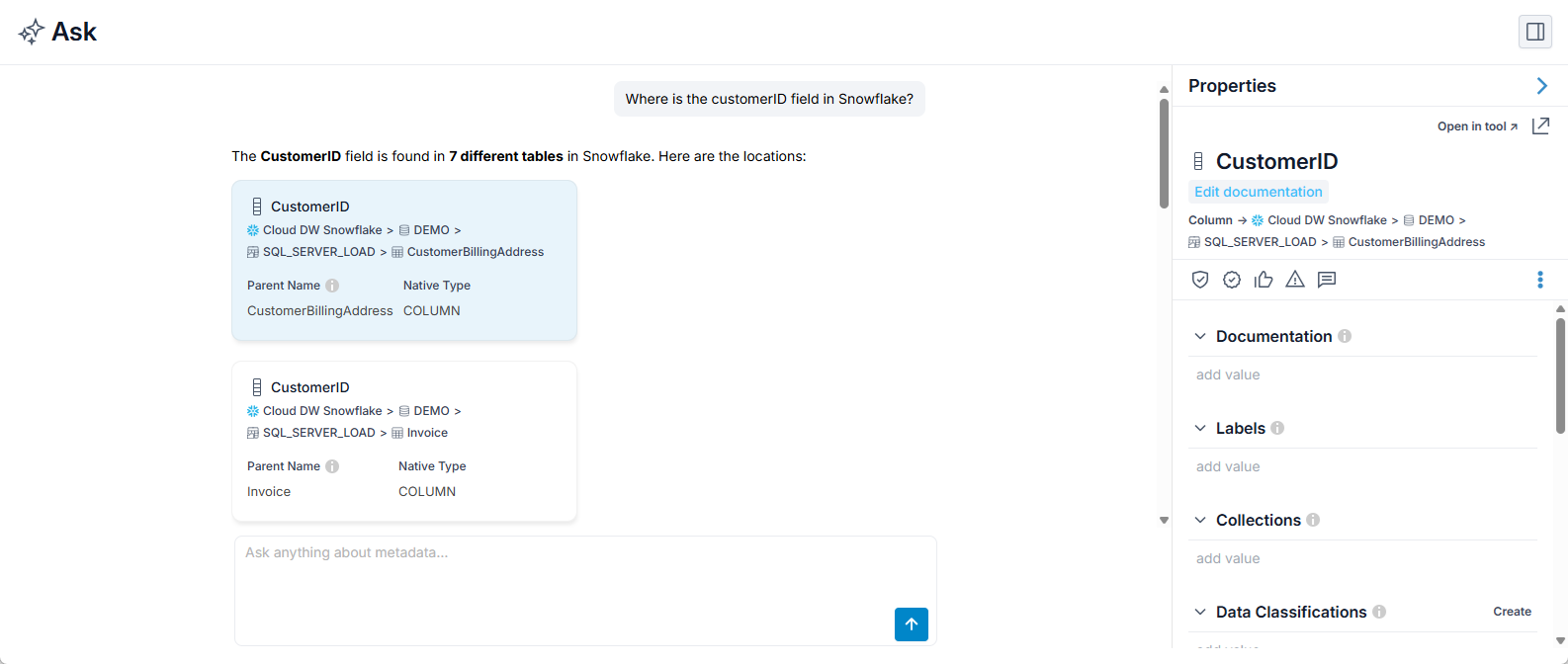
This panel includes:
- Most of the information contained in object page for the selected object.
- A link in the upper right to open the full object page (leaving the Ask page).
Lineage Sourced from Question
Enter the question, "Show where Customer Payment Amount in the Customer Payments worksheet in Tableau comes from in the lineage up to 2 levels", in the box labeled Ask about you metadata and click the Submit button.
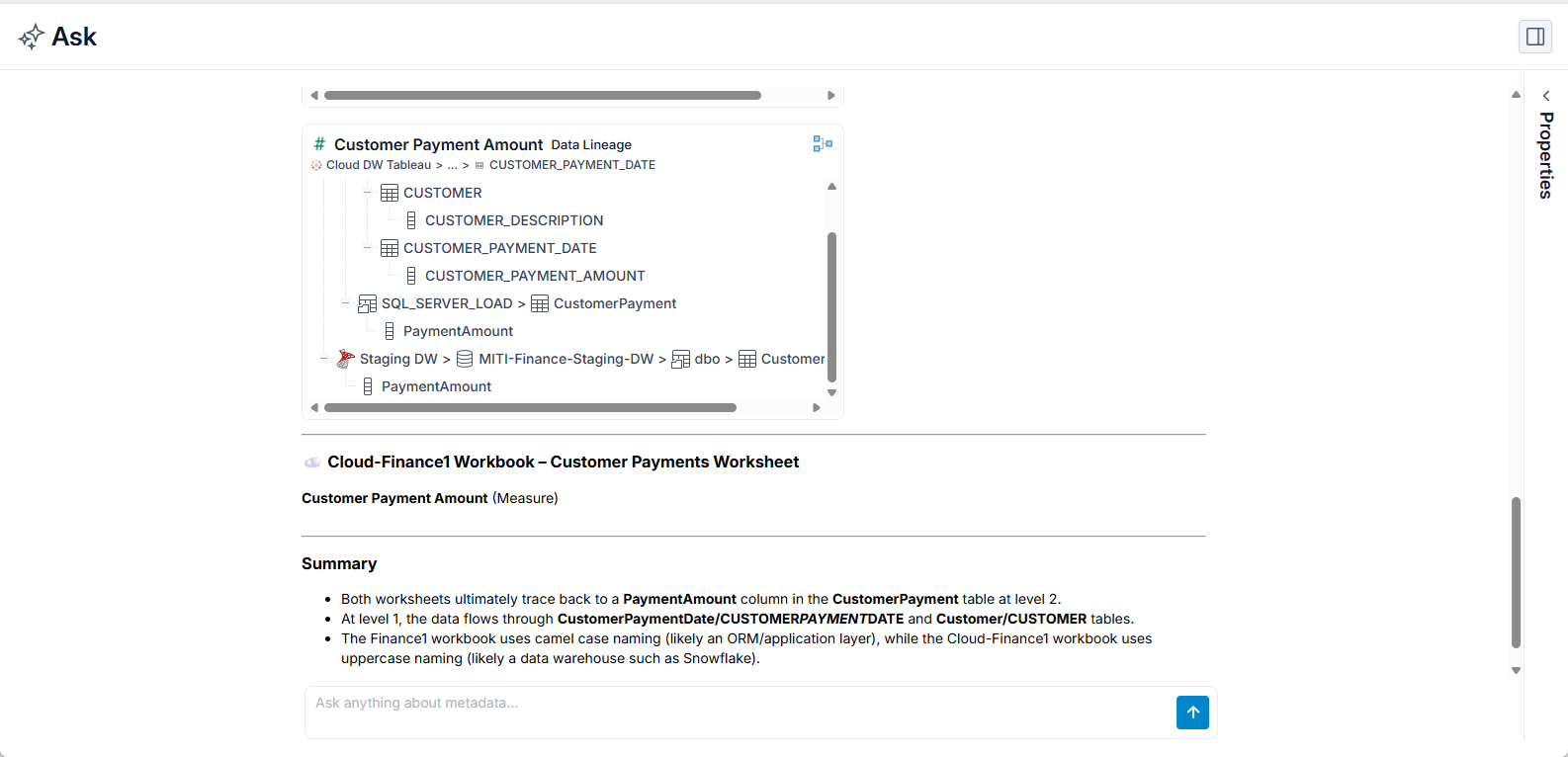
Click the Open Lineage icon in the upper right of any of the results:
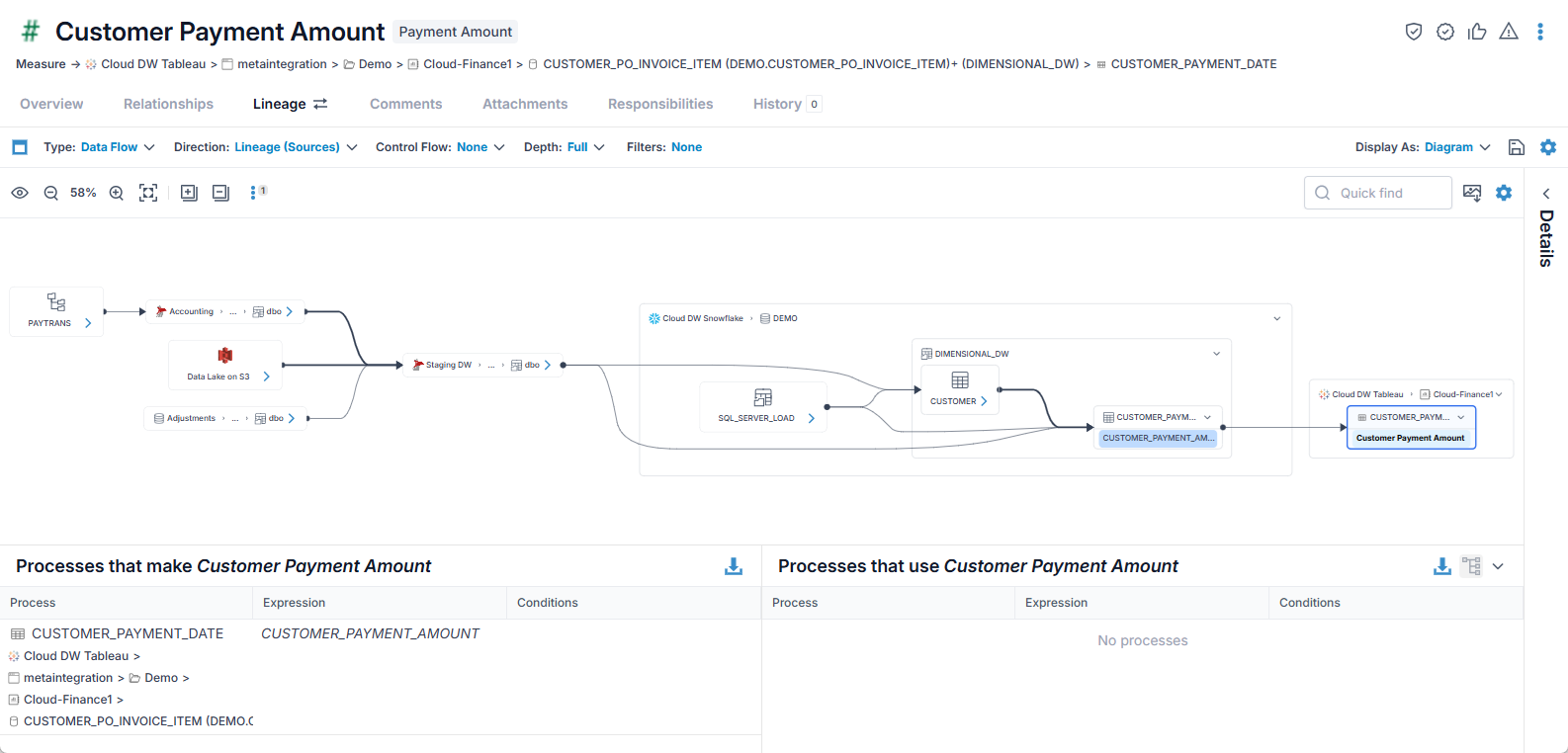
Lineage (Impact on) Question
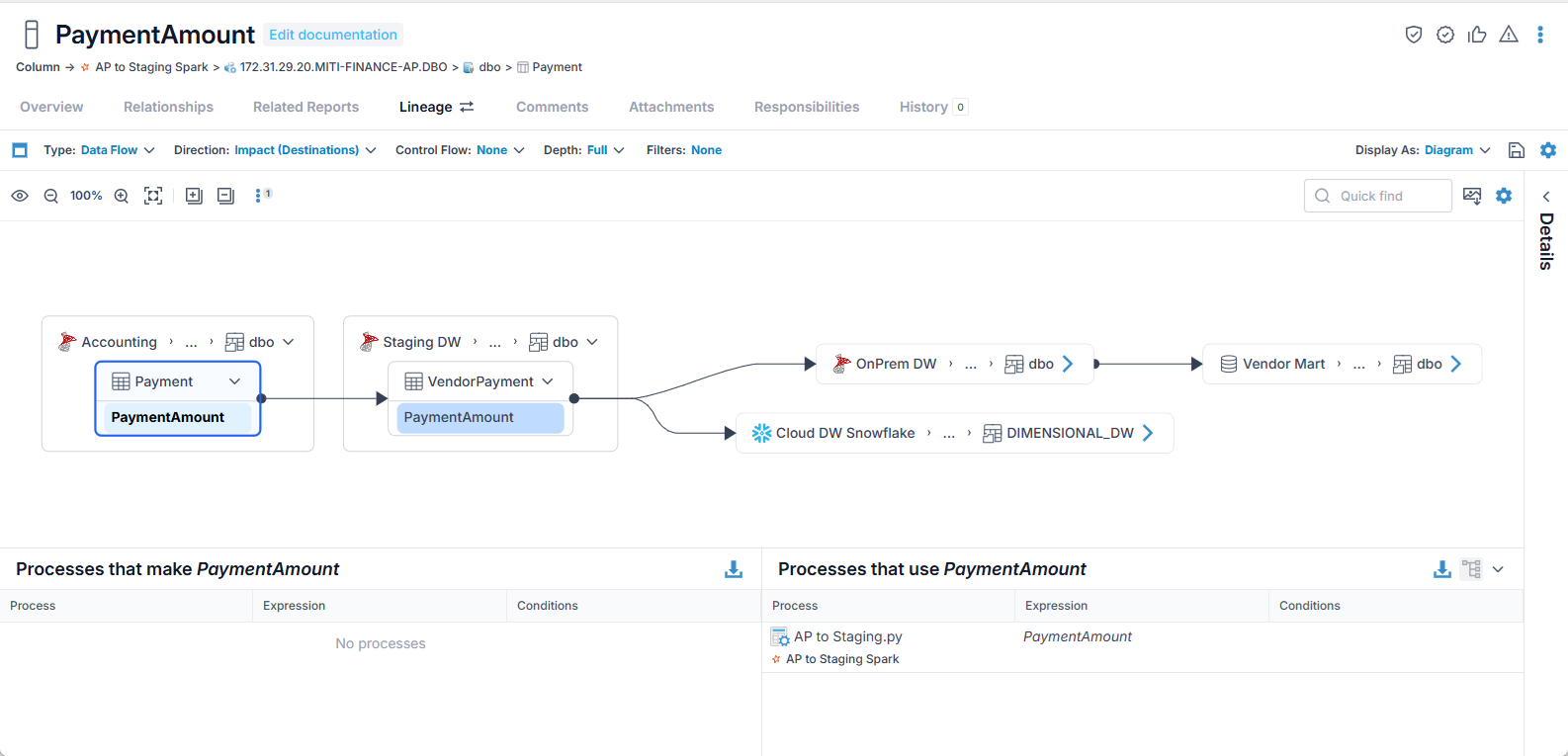
Enter the question, "What assets are impacted if I rename MITI-Finance-AP.dbo.Payment.PaymentAmount?", in the box labeled Ask about you metadata and click the Submit button.
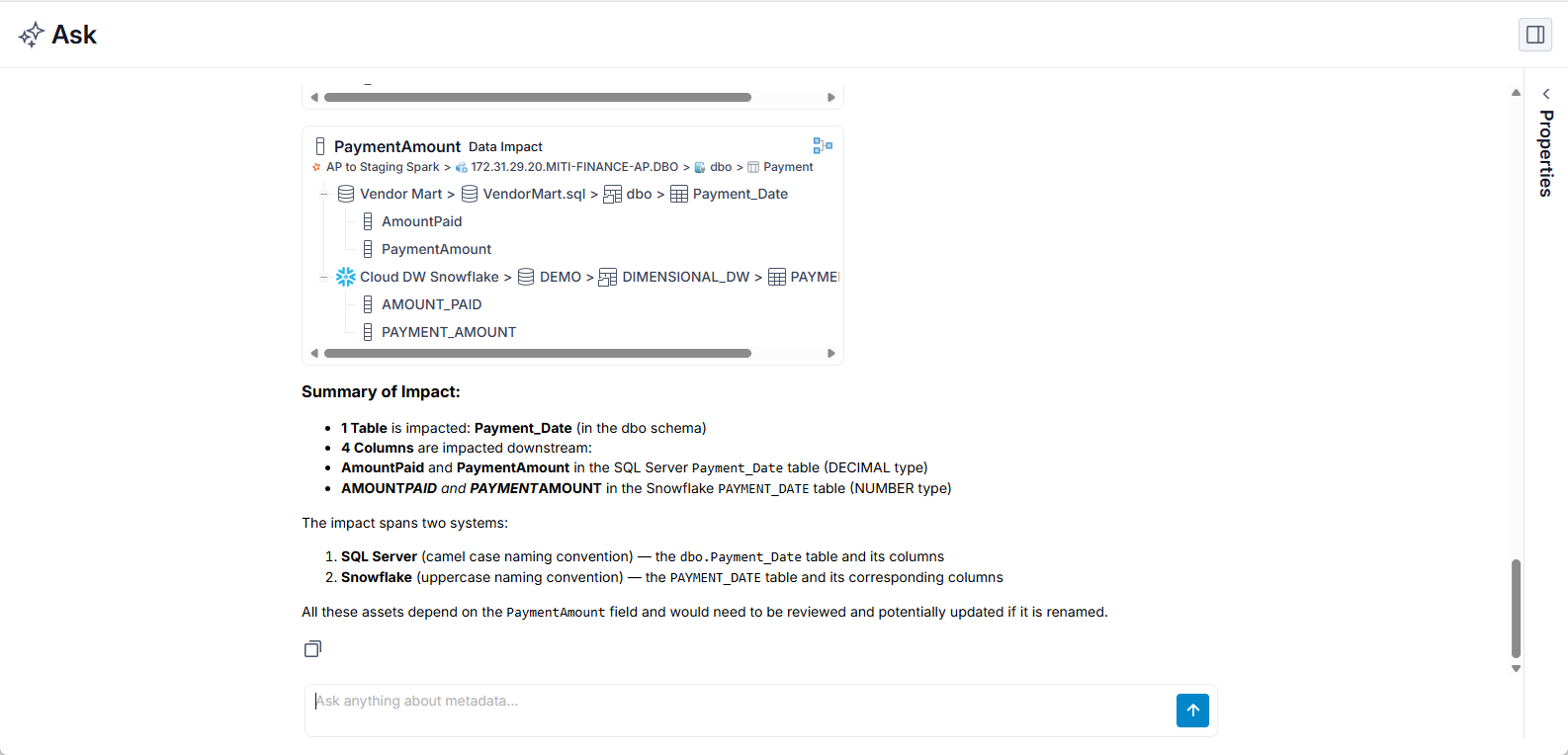
Click the Open Lineage icon in the upper right of any of the results: